How to Play

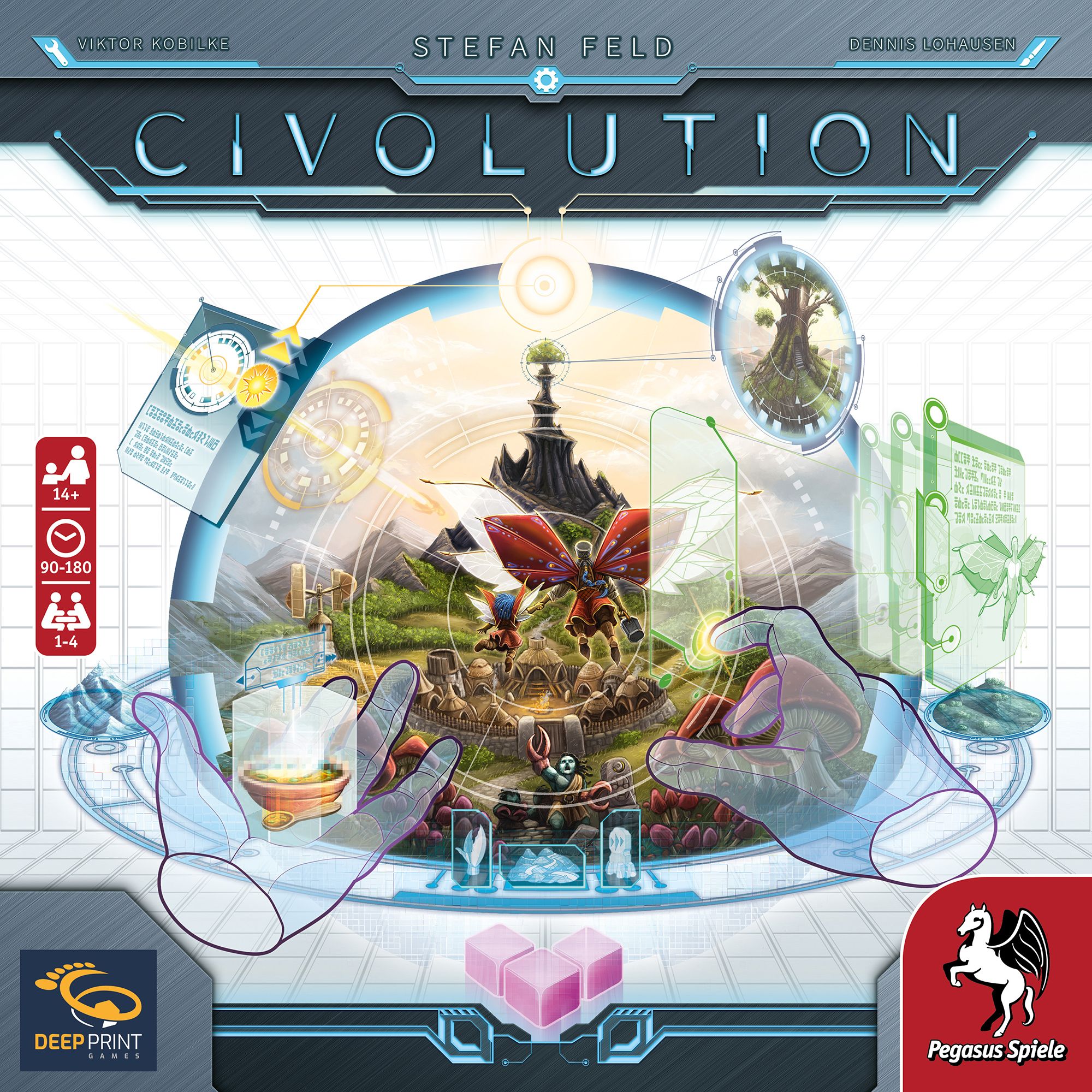
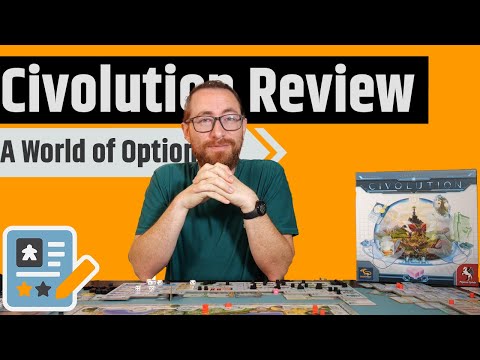
Civolution

1-4 players 90-180 min 8.2 Board Game Geek Rating

Students compete as deities guiding civilizations through four eras in this medium-heavy Euro game. Using dice selection mechanics, players trigger actions on tech tree structures while playing unique cards. Multiple strategic paths emerge through cultural, technical, and evolutionary advancement choices. Victory goes to whoever accumulates the most success points across all eras.

Published 2024

Civolution

Get Ready

Setup the game with these step-by-step instructions before diving into your turn.

1
Assemble the score track
Fit the 4 frame pieces together and place in the center of the table
2
Place the progress board
Position to the left of the score track, containing the hunting table, progress tracks, final scoring area, and display area
3
Place the sequence board
Position to the right of the score track, containing the phase sequence, weather gauge, event card spaces, era scoring area, and Favor of Agera track
4
Set the phase indicator
Place onto the hexagon space in the top left corner of the phase sequence
5
Set the weather indicator
Place onto the "Mild" weather space of the weather gauge
6
Prepare event cards
Shuffle the 20 event cards and place 4 face down as the event stack; return remaining cards to the box
7
Set up scoring tiles
Shuffle the 9 scoring tiles, place 4 randomly icon-side up onto the era scoring area, then place 3 more onto matching final scoring spaces and flip those point-side up; return remaining 2 to the box
8
Place 100-point tokens
Put as a supply onto the 100-point token display
9
Cover spaces for fewer players
In 2-player games, cover designated spaces with blocking tokens; in 3-player games, cover fewer spaces as indicated
10
Fill the goal chip display
Mix 65 goal chips in the dark blue bag, then place one face up on each empty space of the goal chip display
11
Fill the income chip display
Mix 25 income chips in the white bag, then place one face up on each of the 3 income chip display spaces
12
Fill the attribute chip display
Mix 12 attribute chips in the yellow bag, then place one face up on each of the 3 attribute chip display spaces
13
Construct the continent
Fit the 8 continent tiles randomly into the score track frame
14
Place sites
Shuffle 24 sites face down and place one in each octagonal recess of the continent
15
Distribute material tiles
Place face-up Wood tile on Forest starting territory and Papyrus tile on Grassland starting territory; place remaining tiles face down on matching territory types
16
Take a console
Each player unfolds a console and places it in front of themselves
17
Place module tiles
Take 15 module tiles and place each level-I side up in corresponding recesses on the right side of console
18
Prepare activation dice
Take 6 activation dice, set them to show values 1-6, and place each on the corresponding dice space
19
Take a fate die
Place 1 fate die next to your console
20
Place stage tiles
Take one stage-4 tile and one stage-5 tile, place inactive side up above your console
21
Place buildings
Put 4 settlements, 3 farms, and 2 boats in their recesses on the left side of console
22
Place discs on tracks
Put one disc on space 0 of score track, one on left space of Favor of Agera track, and one on space 0 of each of the 5 progress tracks
23
Prepare tribes
Keep 20 tribes as supply, then place one on a free encampment in Grassland starting territory and one in Forest starting territory (not fire encampments)
24
Prepare markers
Keep 50 markers as supply, then place one in Grassland starting territory and one in Forest starting territory outside encampments; place one marker in each boat's notch and one at top of each of 4 reset columns
25
Receive starting research cards
Either use pre-made starting hands (Option A) or draft from 2 cards per deck keeping 5 total (Option B)
26
Set up research display
Shuffle the 5 research card decks separately and place each as face-down stacks next to game boards
27
Receive starting markers
Place markers from supply onto console spaces as indicated on your starting marker card
28
Determine starting player
Give the starting monolith to the chosen starting civilization
29
Receive starting chip card
Take a starting chip card with goal chip, place goal chip in goal area, flip the indicated module to level II, and slide the card under console as your first income chip


On Your Turn

What you can do during your turn.

1
Choose your action
You must either activate a module or do a Reset on your turn
2
Activate a module
Use exactly 2 activation dice from your dice spaces showing the values depicted on the chosen module
3
Modify dice values
Spend idea markers to increase or decrease any die value by one per marker spent (1 and 6 are considered adjacent)
4
Use planning markers
Substitute planning markers from dice spaces in place of required activation dice
5
Place used dice
Put the two activation dice used below your console; return any used planning markers to supply
6
Perform module actions
Carry out the action(s) shown on the activated module
7
Perform 1 migration
Move one strong tribe to an adjacent territory and settle on an encampment (free or by displacing another tribe)
8
Perform 1 procreation
Choose a territory with your tribe and place a new tribe from supply onto any encampment there
9
Take a favor test
Roll all your fate dice; pass if any die shows a value meeting or exceeding your position on Favor of Agera track
10
Produce 1 raw material
Place a marker from supply into a territory where you have at least one tribe
11
Transport 1 raw material
Move one of your markers from any territory to matching storage space on console
12
Perform a hunt
Choose territory with tribe and no hunting token, roll fate dice, gain food markers based on hunting table, then place hunting token
13
Strengthen weak tribes
Stand any one of your weak (lying) tribes up
14
Make a lucky find
Choose land territory type where you have a tribe, roll fate dice, place marker on storage space indicated by the connecting line
15
Complete building projects
Build farms (gain idea marker), boats (move tribe onto it), statues (advance on progress track), or settlements (gain income chip)
16
Install research cards
Choose card from hand, determine column, pay costs based on stage, gain success points and instant bonuses, slide into stage partition
17
Install goal chips
Fulfill visible goal chip requirement, flip it back-side up, place in determined column, gain upgrade bonus if revealed
18
Gain goal chips
Take from display, place in goal area, refill display immediately
19
Gain income chips
Take from display, install in any column's lowest free stage, refill display, perform its action once
20
Upgrade modules
Flip module from level I to II, or remove level-II tile to reveal level III
21
Perform activities
Execute one available activity from your console or installed research cards
22
Advance on progress tracks
Move disc up the indicated track, gaining track bonuses when crossing thresholds
23
Do a Reset
Only allowed with 3 or fewer activation dice on dice spaces
24
Install attribute chips
At any time during your turn, fulfill feature requirement (have 3-4 markers, return one), take chip, install in determined column

Winning

How to claim victory.

1
Play four eras
Complete all 8 phases of each era, with scoring occurring at the end of each era and final scoring after the fourth
2
Score era categories
At end of each era in phase 7, score the displayed category based on success points per unit shown on scoring tile
3
Score the 5 progress tracks
Multiply your disc's space number by category success points for Technology, Prestige, Knowledge, Construction, and Culture
4
Score Evolution
Count total feature markers on feature spaces, multiply by category success points
5
Score Prosperity
Count active diamonds from food space (columns of 3), money space (columns of 2), built settlement recesses, and storage gaps with materials above and below
6
Score Population
Count total tribes on continent, multiply by category success points
7
Score Expansion
Count territories where you have at least one tribe, multiply by category success points
8
Complete final scoring
After fourth era's Income phase, score all 9 categories using point values on final scoring area tiles
9
Score stage partition
Gain success points per installed card and chip based on stage (stages 4-5 only score if their stage tiles are active)
10
Score point bonuses
For each card with point bonus icon, gain its points multiplied by total cards and chips in that column
11
Determine the winner
Civilization with most success points wins
12
Break ties
First tiebreaker is most module upgrades completed; second tiebreaker is position in seating order from starting civilization

watch & Learn

Let the pros teach you with these top videos.

Civolution - Erklärung am Spielabend

Civolution - Erklärung am Spielabend

Instructional

Civolution How to Play and Strategy Tips!

Civolution How to Play and Strategy Tips!

Instructional

MORE VIDEOS

FULL rules

Looking for the full details? Grab the complete rulebook as a downloadable PDF.

Play Board Games Online

Explore breakout hits and fan favourites with no downloads, setup or paywalls. Just click and play.

Play Now

more GAMES LIKE THIS