How to Play

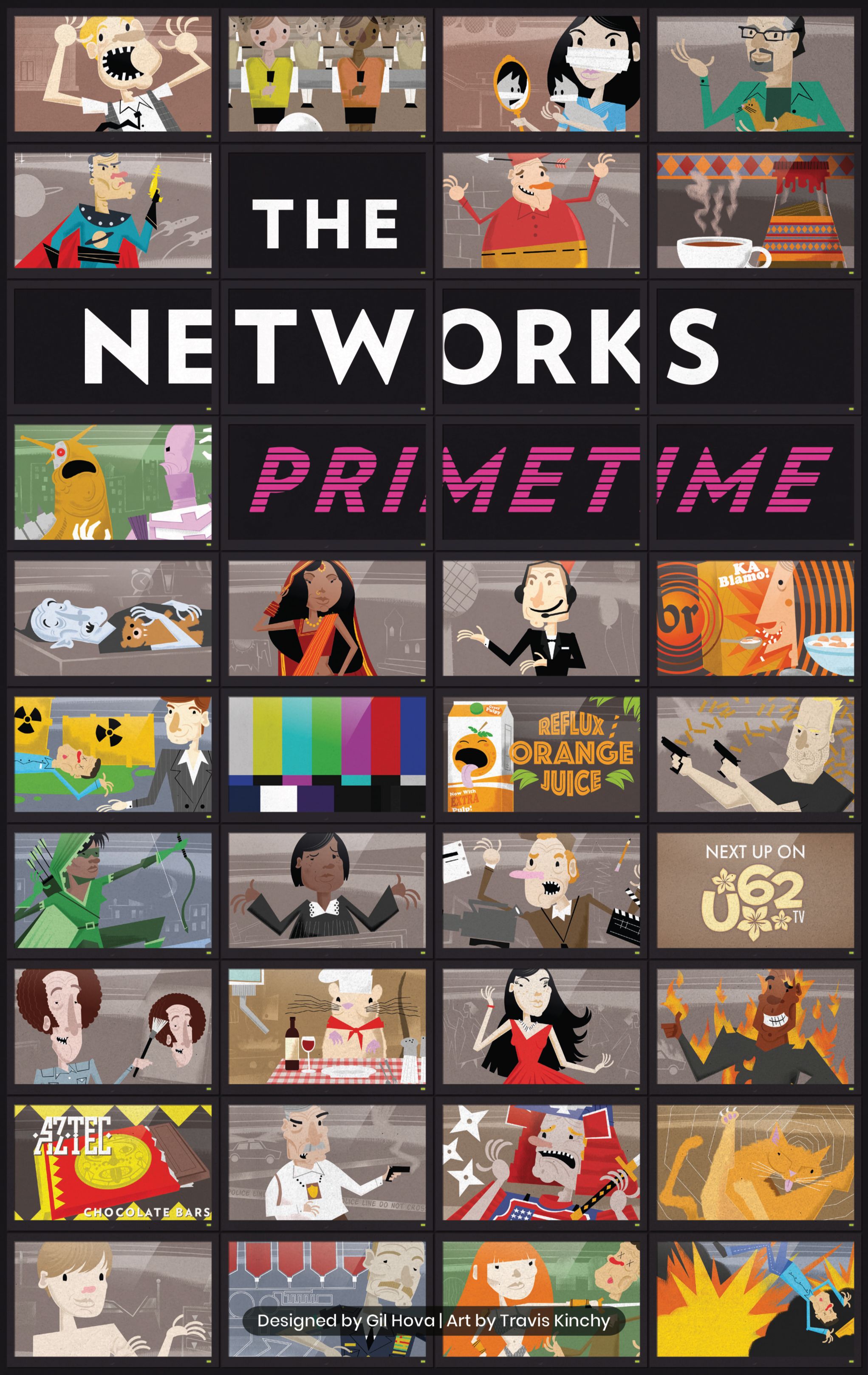
The Networks: Primetime

1-5 players 60-90 min 7.1 Board Game Geek Rating

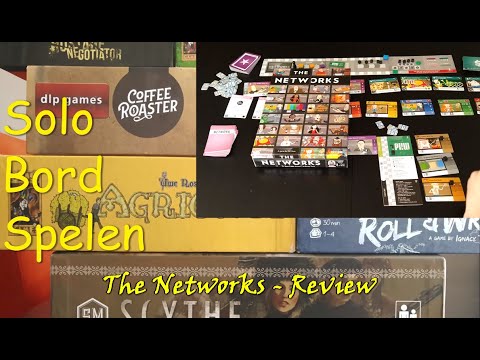
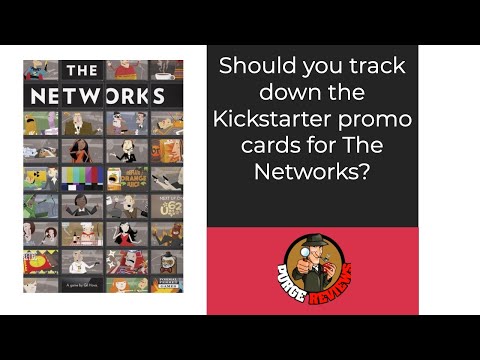
Players compete as television networks acquiring Shows, Stars, and Ads to maximize viewership. Shows require Stars for bonus points and Ads for income, with specific placement conditions for optimal benefits. Programs age and must be replaced, though reruns still generate viewers and genre bonuses. Network Cards provide special abilities. After five seasons, whoever attracts the most viewers wins.

Published 2016

The Networks: Primetime

Get Ready

Setup the game with these step-by-step instructions before diving into your turn.

1
Arrange the scoring track
Place the Left, Center, and Right Scoring Track boards in the middle of the table, selecting the Right board matching your player count
2
Position the season marker
Place the Season Marker on the Season 1 position of the Scoring Track
3
Reveal Season 1 shows
Shuffle the 8 Season 1 Show cards, draw cards equal to the number shown on the Right Scoring Track, and place face-up below the track
4
Prepare later season shows
Shuffle Season 2-3 and Season 4-5 Show cards separately and set aside for later use
5
Display advertisements
Shuffle the Advertisement cards, draw the number indicated on the Right Scoring Track, and place face-up in a row above the Scoring Track
6
Display stars
Shuffle the Star cards, draw the number indicated, and place face-up in a row above the Advertisements
7
Prepare network cards
Remove all Advanced and Interactive Network Cards (marked with symbols), shuffle the remaining Basic Network Cards, and place face-down below the Show cards
8
Select player colors
Each player chooses a color and takes the matching Player Board, 5 Starting cards (3 Shows, 1 Star, 1 Advertisement), the Scoring Square, Turn Order Disc, and 4 black wooden cubes
9
Place starting star and advertisement
Each player places their Starting Star and Starting Advertisement on their Green Room
10
Position starting shows
Each player places each Starting Show in one time slot (8PM, 9PM, or 10PM) on their board, as all starting shows are equally bad
11
Set up scoring cubes
Each player places one black cube on the top Viewer line of each Starting Show, covering the Viewer symbol
12
Establish scoring position
Each player places their Scoring Square at position 0 on the Central Scoring Track, next to the Left board
13
Determine turn order
Each player places their Turn Order Disc on a random position on the Turn Order track
14
Distribute starting money
Each player receives starting cash based on turn order position as shown on the Right Scoring Track, with first player receiving least and subsequent players receiving progressively more
15
Set aside viewer markers
Place the 100/200 Viewer Markers and 300 Viewer Marker near the Central Scoring Track
16
Advanced game addition
For advanced play, shuffle in all Advanced Network Cards and optionally all Interactive Network Cards, drawing cards as indicated and placing face-up below the Show cards


On Your Turn

What you can do during your turn.

1
Follow turn order
Players take turns in order shown on the Turn Order track, with the first player taking actions repeatedly until all players have passed
2
Select one action
On your turn, you must execute exactly one of the available actions: Develop a Show, Sign a Star, Acquire an Advertisement, Take a Network Card, Attach a Star or Ad to a Show, or Drop and Budget
3
Develop a show
Take an open Show card from the Scoring Track, pay its Development Cost, choose a time slot on your board, and place it there rotated 180 degrees if not in its preferred time slot
4
Meet show prerequisites
Each Show requires 1-3 prerequisites consisting of Stars and/or Ads that must be met to develop it
5
Sign a star
Take an open Star card from beside the Scoring Track, pay its Signing Cost ($1M-$5M), and place it in your Green Room
6
Acquire an advertisement
Take an open Ad card from beside the Scoring Track, gain the Signing Bonus shown in the top-left corner immediately, and place it in your Green Room
7
Take a network card
Take an open Network Card from below the Show cards (not available in Season 1 of the basic game)
8
Attach star or advertisement
Add one Star or one Ad from your Green Room to a Show in your schedule
9
Drop and budget
End your participation in the current Season by moving your Turn Order Disc to the leftmost available Budget position
10
Collect genre bonuses
When you develop your 3rd or 5th Show of the same Genre, score 5 Viewers immediately
11
Calculate end-of-season income
At Season's end, add income from Ads attached to Shows and subtract maintenance costs from Shows and Stars in your schedule
12
Score viewers
At the end of each Season, count Viewers from each Show's current line, plus Viewers from attached Stars, promotional Ads, and Reruns
13
Age your shows
Move each Show's black scoring cube down one Viewer position at the end of each Season
14
Prepare for next season
Move Shows with no remaining Viewer value to your Archives (they still count for Genre Bonuses)

Winning

How to claim victory.

1
Complete five seasons
The game ends after scoring is completed at the end of Season 5
2
Perform final scoring
Score your program's Viewers one final time without collecting income, paying expenses, or scoring Reruns
3
Score unused stars
Each player scores 1 Viewer for each Star remaining in their Green Room
4
Score end-game network cards
Players with end-game Network Cards (arrow symbol) now score any Viewers those cards provide
5
Determine the winner
The player with the most Viewers wins the game
6
Break ties with money
If players are tied for most Viewers, the player with the most remaining money wins
7
Accept shared victory
If still tied after comparing money, tied players share the victory

watch & Learn

Let the pros teach you with these top videos.

Dice Unboxing - The Networks

Dice Unboxing - The Networks

Unboxing

Inside…The Networks (4K60fps)

Inside…The Networks (4K60fps)

Unboxing

MORE VIDEOS

FULL rules

Looking for the full details? Grab the complete rulebook as a downloadable PDF.

Play Board Games Online

Explore breakout hits and fan favourites with no downloads, setup or paywalls. Just click and play.

Play Now

more GAMES LIKE THIS