How to Play

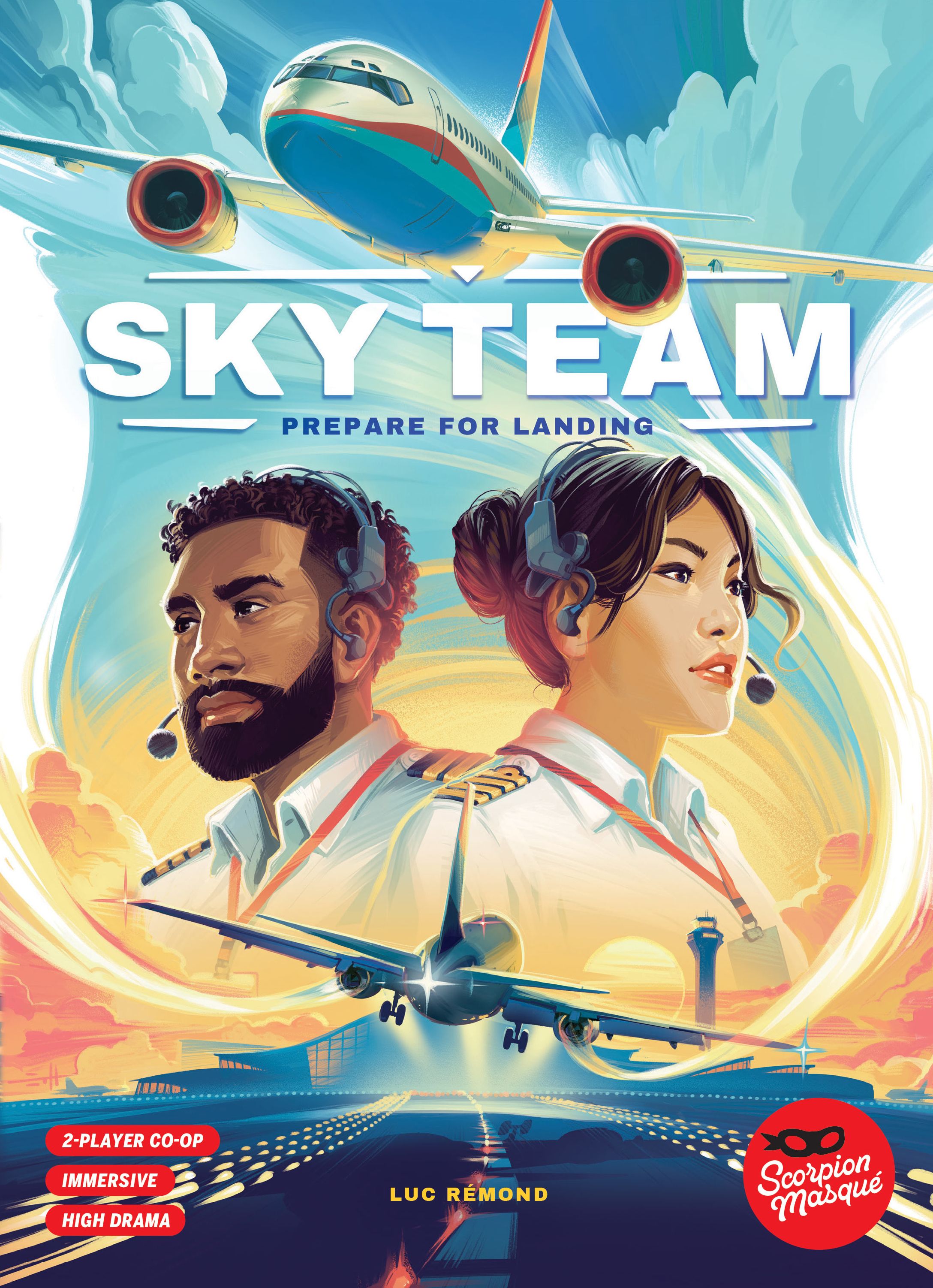
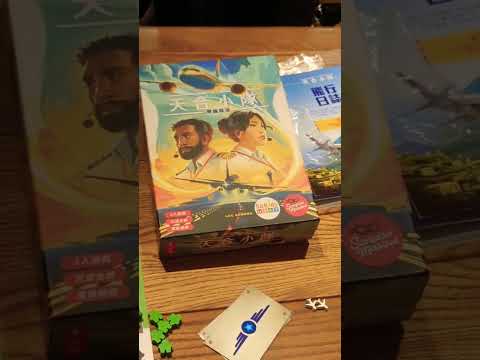
Sky Team

2-2 players 20-20 min 8.1 Board Game Geek Rating

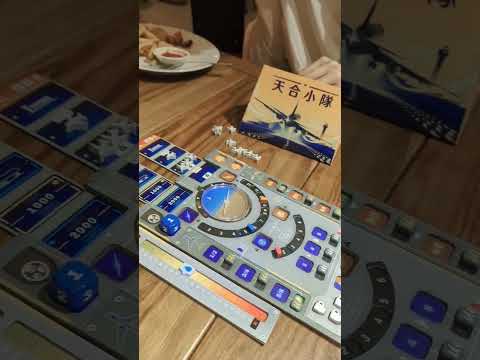
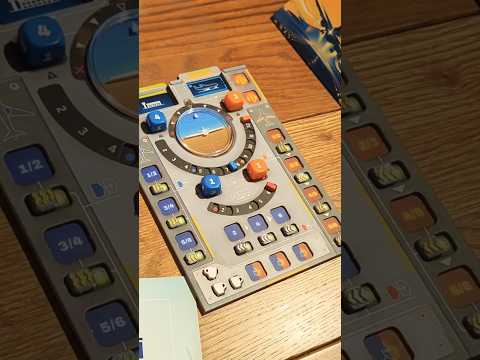
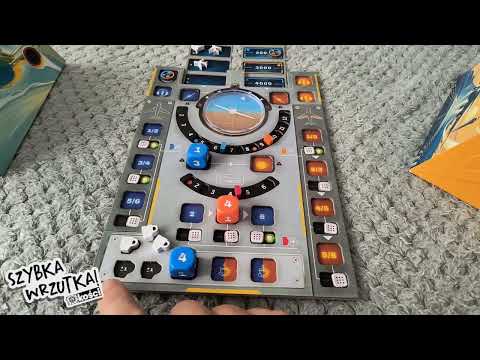
Two players collaborate as pilot and co-pilot, using dice placement to control their aircraft during landing sequences. Players must silently coordinate to manage plane balance, speed, flaps, landing gear, and air traffic control across various global airports. Success requires precise teamwork to avoid stalling, overshooting, or crashing while navigating each location's unique challenges and turbulence.

Published 2023

Sky Team

Get Ready

Setup the game with these step-by-step instructions before diving into your turn.

1
Select a scenario
Choose one of the 21 scenarios from pages 6-8 before configuring the game
2
Use the correct approach track
Replace the Montreal approach track with the one corresponding to your chosen scenario's name and color
3
Note track length variations
Some approach tracks are longer or shorter than others
4
Select special modules
Choose the module(s) indicated by icons on your chosen scenario and reference the corresponding rules on pages 3-5
5
Configure kerosene module
Place the Kerosene track to the left of the Control Panel and set the marker to the starting position
6
Configure intern module
Place the Intern board below the Control Panel and place one random face-up Intern token on each space
7
Configure wind module
Place the blue Airplane token inside the Wind Ring with the nose pointing to the center white space, positioned to the right of the Control board
8
Configure ice brakes module
Note that the brake board on the Control Panel represents the original brakes; the Ice Brakes track is separate
9
Select special ability cards
Choose the number of Special Ability cards indicated by the scenario to help with difficult situations
10
Mark victories
When you successfully complete a scenario, mark the circle in the upper left corner

On Your Turn

What you can do during your turn.

1
Roll traffic dice for traffic icons
At the beginning of the round, if there is a Traffic icon on the Current Position screen, roll the Traffic die as many times as there are icons
2
Add airplane tokens from traffic rolls
Each roll adds an Airplane token to the space indicated by the die value, starting from the Current Position screen
3
Skip traffic rolls when passing through
If you pass through a space with a Traffic die while advancing 2 spaces, you don't need to roll
4
Maintain correct axis for turns
When advancing the approach track, if the airplane axis is not in one of the allowed positions shown on the Current Position screen, you lose the game
5
Check both spaces when advancing two
Turn restrictions apply to both spaces you fly through if advancing 2 spaces during a round
6
Manage kerosene consumption
At the end of each round, if no die was placed on kerosene, lose 6 kerosene
7
Lose game if kerosene depleted
If you reach the empty space on the kerosene track at any point during the final round, you lose
8
Train your intern
Place a die of any value on your color space on the Intern board to take the first available token closest to your side
9
Use intern tokens as dice
Place the taken Intern token on any space where you could normally place a die and resolve its effect with the token's number
10
Match die value restriction for interns
The die placed must have a different value than the next available Intern token
11
Cannot modify intern tokens
Intern tokens cannot be modified by Coffee tokens
12
Cannot use interns on concentration
Intern tokens cannot be used on Concentration spaces
13
Add wind speed to motors
During the Motor phase, add the wind speed (the number the blue Airplane token points to) to the sum of your Motor dice
14
Rotate wind indicator after axis phase
Immediately after the Axis phase, rotate the blue Airplane token as many spaces as the current Axis position is off-center
15
Use real-time timer
At the beginning of each round, start a 60-second timer immediately after rolling dice
16
End round when timer expires
No dice may be placed after time runs out; unplaced dice are ignored
17
Lose if axis and motor unfilled in time
If the Axis and Motor spaces haven't been filled when time expires, you lose
18
Calculate kerosene leak loss
With the leak module, kerosene loss equals the difference between your two Motor dice, plus 1
19
Place matching dice for ice brakes
Two dice of the same value must be placed on the top and bottom of the Ice Brakes track in the same round
20
Lose unmatched ice brake dice
If you place a die on an Ice Brake space but cannot place a matching die on the opposite space in the same round, that die is lost
21
Deploy ice brakes in order
Deploy ice brakes from left to right; you cannot play a die to the left of the Brake marker


Winning

How to claim victory.

1
Complete all intern training
If Intern tokens remain on the Intern board at the end of the game, you lose
2
Reach the runway
Successfully land your airplane at the destination airport
3
Move brake marker to end
With ice brakes, you must move the Brake marker to the end of the track (beyond 5) before the game ends
4
Maintain speed below brake marker
At the end of the final round, your Speed must be lower than the Brake marker
5
Avoid running out of kerosene
Do not reach the empty kerosene space during the final round
6
Follow all turn restrictions
Never advance through spaces where your axis position is not allowed

watch & Learn

Let the pros teach you with these top videos.

Can We Pull Off a Perfect Landing? SKYTEAM Teach & Play

Can We Pull Off a Perfect Landing? SKYTEAM Teach & Play

Instructional

Jogando Sky Team - Jogo 3: KUL Kuala Lumpur (Exceptional Conditions)

Jogando Sky Team - Jogo 3: KUL Kuala Lumpur (Exceptional Conditions)

Session

MORE VIDEOS

FULL rules

Looking for the full details? Grab the complete rulebook as a downloadable PDF.

Play Board Games Online

Explore breakout hits and fan favourites with no downloads, setup or paywalls. Just click and play.

Play Now

more GAMES LIKE THIS