How to Play

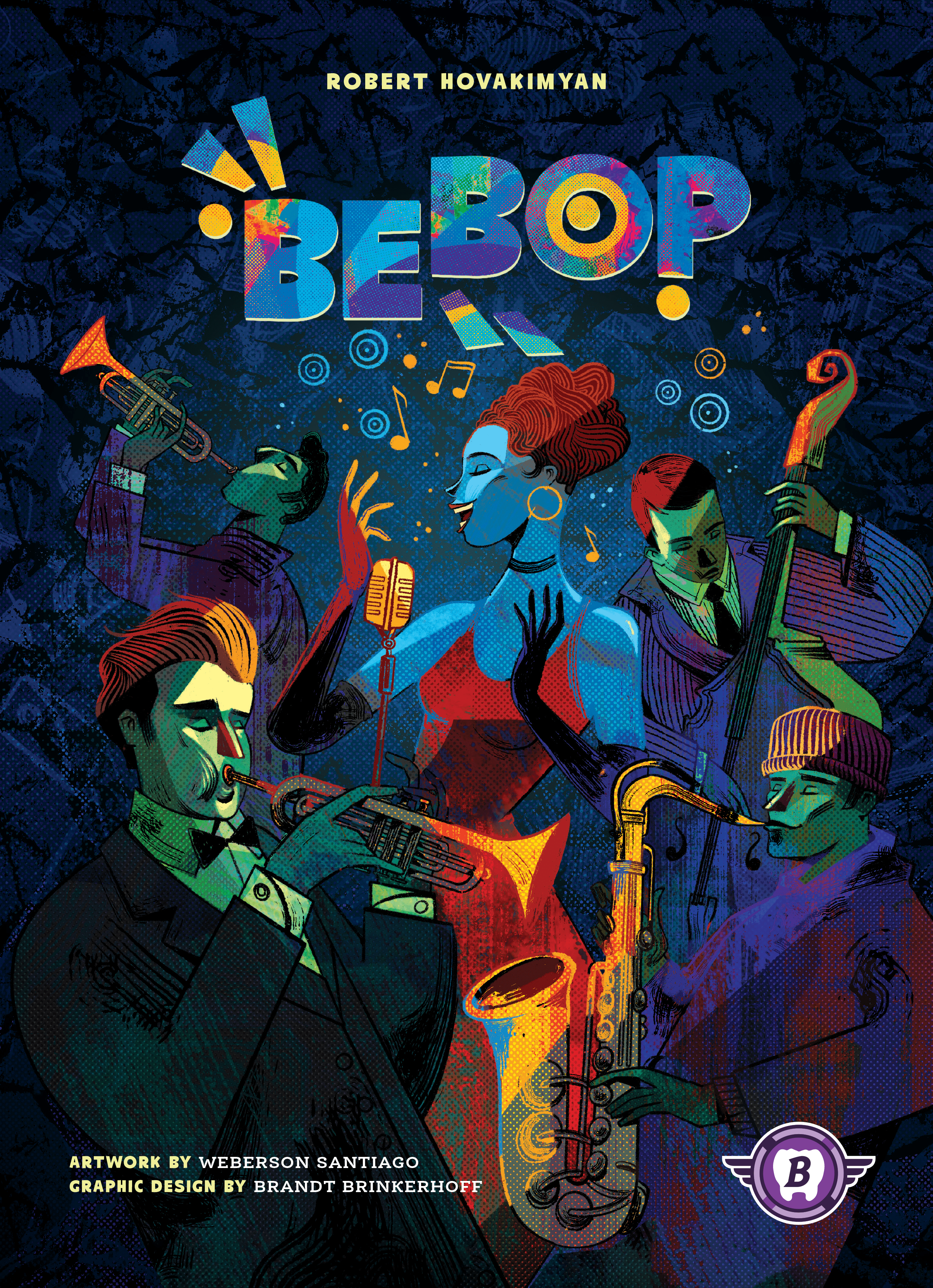
Bebop

2-4 players 45-60 min 6.7 Board Game Geek Rating

In this jazz festival booking game, players act as agents placing tiles to reserve seats and using dice representing fans to claim them. Success comes from strategically matching fans with their preferred instruments and seating them near friends. Victory goes to whoever earns the highest booking agency rating through clever area majority control and optimal fan placement timing.

Published 2024

Bebop

Get Ready

Setup the game with these step-by-step instructions before diving into your turn.

1
Place the game board
Put one side of the double-sided game board in the center of the table (green board "Vanillaville Jazz Fest" recommended for first game)
2
Adjust dice for player count
Return six dice of each color to box if playing with two players, or three dice of each color if playing with three players; use all dice when playing with four players. Place dice into the dice bag
3
Fill booking queue
Draw four dice (two players), five dice (three players), or six dice (four players) from bag, roll them, and place in the booking queue
4
Adjust feature tokens for player count
Return five of each feature token to box if playing with two players, or two of each feature token if playing with three players; use all feature tokens when playing with four players (star feature tokens not used in basic game)
5
Place feature tokens on stages
For each triple stage (three spaces), place one feature token of each type on the three spaces. Shuffle remaining feature tokens in bag and randomly draw and place one on each stage space within playable region, ensuring no stage has duplicate features
6
Set feature rating markers
Place the three feature rating markers (percussion, brass, keys) on the feature rating track according to number of players, as listed above the corresponding space
7
Place family banners
Place each of the five family banners (one per dice color) next to the board within easy reach
8
Choose player color
Each player takes 16 seats (11 basic, 5 special), 1 player screen, and 2 score markers of their chosen color
9
Place score markers
Each player places one score marker on "0" space of victory point track (second score marker placed on 50 and 100 when crossing those thresholds)
10
Draw starting dice
Each player draws and rolls three dice from bag, keeping dice in front of them (hide behind screen in two-player games only)

On Your Turn

What you can do during your turn.

1
Choose one action
Either claim a seat or book a seat (you must book a seat if you already have three open seats on the board)
2
Place a seat tile
Place one of your seat tiles on any empty hex on the board
3
Basic seats
11 basic seats must go on normal hexes
4
VIP seat
May be placed on any VIP hex (does not need a die for adjacent stages to score)
5
Backstage Pass
May be placed on any empty stage space of a stage that has already been scored
6
Insta-Book seat
May only be placed on normal hex, immediately take a Book a Seat action (die must be placed on this seat)
7
Double Claim seat
May only be placed on normal hex, immediately take another Claim a Seat action (if you respect three open seat maximum)
8
The Boot
May be placed on normal hex and can replace any other player's open seat on board, returning that seat to player (cannot boot another Boot, VIP Seats, or Backstage Passes)
9
Reroll one die (optional)
After claiming a seat, you may reroll one of your dice
10
Place a die on your seat
Place one of your dice on any open seat you have previously claimed
11
Score the symbol in the family
If the die you just placed is now in a family (two or more connected dice of same color, regardless of whose seats), score 1 point for each instrument face in this family matching the die you just placed, including that die
12
Update family banner
If this family is now the largest family of that color on board (or tied for largest), place the family banner near this family to indicate this
13
Score the stage (if triggered)
If all normal hexes surrounding a stage now contain seats AND dice, the band performs
14
Determine listeners
A die is listening if it is adjacent to the stage OR part of a family adjacent to the stage
15
Score each feature
For each feature on stage, determine which player has most matching symbols on dice listening to the band; winner scores points based on corresponding rating marker's position on rating track (ties split points evenly, rounded down)
16
Move rating marker down
After awarding points, move each scored feature's rating marker down once on rating track
17
Claim feature token
Winner of feature takes feature token from stage (in ties, active player takes it; if active player not tied, discard to box)
18
Take a new die
Take die from any space in booking queue (don't roll it) or randomly draw from bag (roll it before adding to personal area). If taking from queue, immediately replace it by drawing and rolling another die from bag. Exception: If you have no more seats in supply, do not take a new die


Winning

How to claim victory.

1
Game ends when all seats placed
Players stop taking turns when all their seats have been placed on board and have a die on them (all players usually finish within a turn or two of each other)
2
Score family majority
Each family with a family banner scores points
3
Determine majorities
For each family with banner, determine the player who seated the most fans for each feature (percussion, brass, keys)
4
Score matching tokens
Player with majority of each feature scores one point per matching token they have in front of them (tied players each score for their own tokens)
5
Highest score wins
Player with most points wins. In case of tie, player who collected most feature tokens wins

watch & Learn

Let the pros teach you with these top videos.

How to Play Bebop

How to Play Bebop

Instructional

Bebop - 4p Teaching, Play-through, & Roundtable Discussion by Heavy Cardboard

Bebop - 4p Teaching, Play-through, & Roundtable Discussion by Heavy Cardboard

Session

MORE VIDEOS

FULL rules

Looking for the full details? Grab the complete rulebook as a downloadable PDF.

Play Board Games Online

Explore breakout hits and fan favourites with no downloads, setup or paywalls. Just click and play.

Play Now

more GAMES LIKE THIS