How to Play

Squad Leader

2-2 players 60-60 min 7.6 Board Game Geek Rating

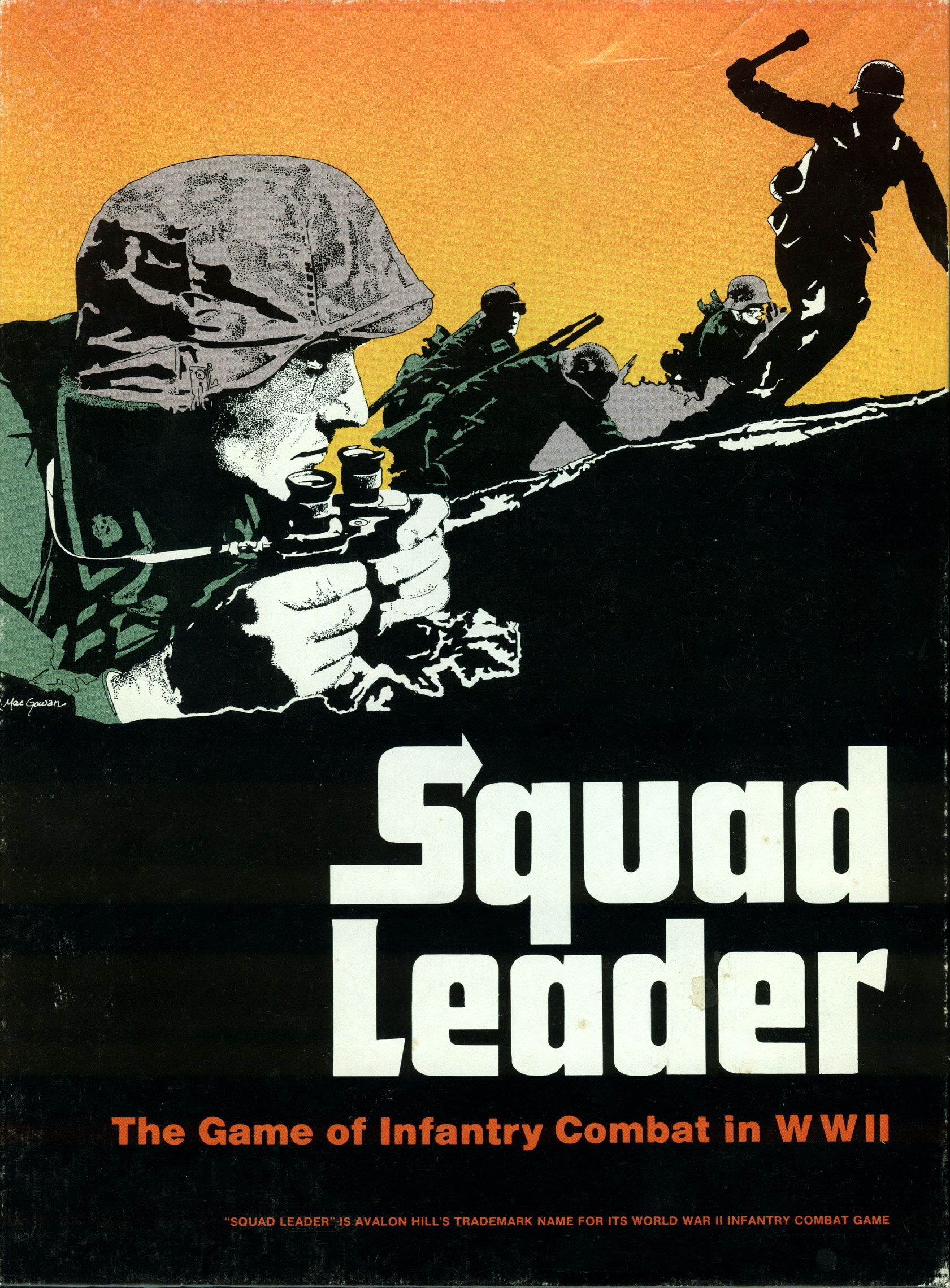
Squad Leader simulates WWII tactical infantry combat through hexagon-based maps where players command squads, weapons, and vehicles. Using detailed rules covering morale, leadership, and equipment, you make split-second battlefield decisions that determine survival. Victory comes through completing scenario objectives across twelve progressive missions spanning various European theaters.

Published 1977

Squad Leader

Get Ready

Setup the game with these step-by-step instructions before diving into your turn.

1
Select scenario
Consult the scenario being played and lay out the specified mapboard sections in the configuration called for by the Board Configuration diagram
2
Determine sides
Consult the Scenario Turn Record Chart to determine which side sets up first and which side moves first
3
Place initial units
Punch out the necessary unit counters and place them on the mapboard within the areas called by the scenario
4
Check special rules
Determine whether there are any Special Rules applicable to that scenario
5
Place fortifications
Place fortification counters (wire, entrenchments, bunkers, minefields, roadblocks) as specified by the scenario prior to the start of play
6
Record hidden information
For scenarios with minefields, record the hex locations and strength of mines secretly on scrap paper
7
Allocate concealment counters
When a scenario allocates Concealment counters, place them on top of units to create the "fog of war"
8
Determine artillery support
For scenarios with offboard artillery, roll one die for each radio counter to determine the type of artillery available using the Module Artillery Selection Table
9
Stack units properly
Place squads, leaders, and support weapons together in hexes, with units placed underneath the entrenchment counter or beneath vehicle counters when transported

On Your Turn

What you can do during your turn.

1
Execute Rally Phase
Attempt to repair malfunctioning support weapons and rally broken units by rolling morale number or less with two dice
2
Conduct Prep Fire Phase
Fire any of your units at enemy units within Line of Sight
3
Execute Movement Phase
Move all, some, or none of your units which did not fire during the Prep Fire Phase
4
Resolve Defensive Fire Phase
Opponent may fire at any units in LOS that moved during the preceding Movement Phase
5
Conduct Advancing Fire Phase
Fire any units which moved during the Movement Phase at half firepower
6
Complete Rout Phase
Move broken units seeking cover in woods or buildings
7
Execute Advance Phase
Move all non-broken units one hex including into enemy-occupied hexes
8
Resolve Close Combat Phase
Units of both sides occupying the same hex must attack each other
9
Total firepower factors
Add all firepower factors of the Fire Group together
10
Apply firepower modifiers
Halve firepower for long range fire or moving fire, double for Point Blank fire
11
Determine proper column
Use the Infantry Fire Table column which does not exceed total adjusted firepower
12
Add dice roll modifiers
Apply terrain effects (+1 woods, +2 wood building, +3 stone building, +1 hedge, +2 wall)
13
Roll two dice
Cross-index the adjusted dice roll with the correct firepower column
14
Interpret results
KIA eliminates all units; M or # requires Morale Check with any number added to the roll
15
Check To Hit Table
Roll dice to determine if tank or SP Gun main armament hits its target
16
Apply hit determination modifiers
Add modifiers for range, movement, target type, and firing phase
17
Consult AFV Kill Table
If hit is secured, cross-index firing weapon with target facing to determine Kill Number
18
Roll for elimination
Roll equal to or less than Kill Number to destroy the vehicle
19
Resolve crew survival
When AFV is destroyed, invert counter and roll for crew survival
20
Pass Pre-AFV Attack Morale Check
All leaders and squads adjacent to the AFV must first pass this check
21
Attempt immobilization
Units passing the Morale Check may roll equal to or less than the AFV Immobilize Number
22
Resolve effect dice roll
Use the same dice roll on the Infantry Fire Table to determine effect on passengers or infantry beneath


Winning

How to claim victory.

1
Achieve scenario victory conditions
Complete the specific objectives stated in each scenario's victory conditions
2
Control designated buildings
Be the sole occupant of specified buildings at game end in building control scenarios
3
Establish road paths
Create a continuous path of road hexes free of enemy fire across the board width when required
4
Eliminate enemy forces
Totally eliminate the defending force when specified by scenario conditions
5
Exit forces successfully
Move the required percentage of your force off the defender's opposite board edge
6
Occupy factory buildings
For Tractor Works scenarios, Russian units gain fanaticism benefit by occupying the factory
7
Count Victory Points
In Campaign Games, players receive one Victory Point for each scenario won and one for each rank attained beyond Corporal
8
Compare Victory Points
The winner is the side with the most Victory Points at campaign conclusion, with leftover Performance Points resolving ties

watch & Learn

Let the pros teach you with these top videos.

How Avalon Hill Changed Board Gaming Forever -- The Movie

How Avalon Hill Changed Board Gaming Forever -- The Movie

Interview

Memory Lane Chat: Squad Leader

Memory Lane Chat: Squad Leader

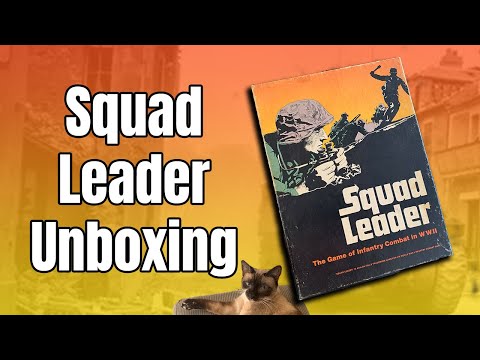
Unboxing

MORE VIDEOS

FULL rules

Looking for the full details? Grab the complete rulebook as a downloadable PDF.

Play Board Games Online

Explore breakout hits and fan favourites with no downloads, setup or paywalls. Just click and play.

Play Now

more GAMES LIKE THIS