How to Play

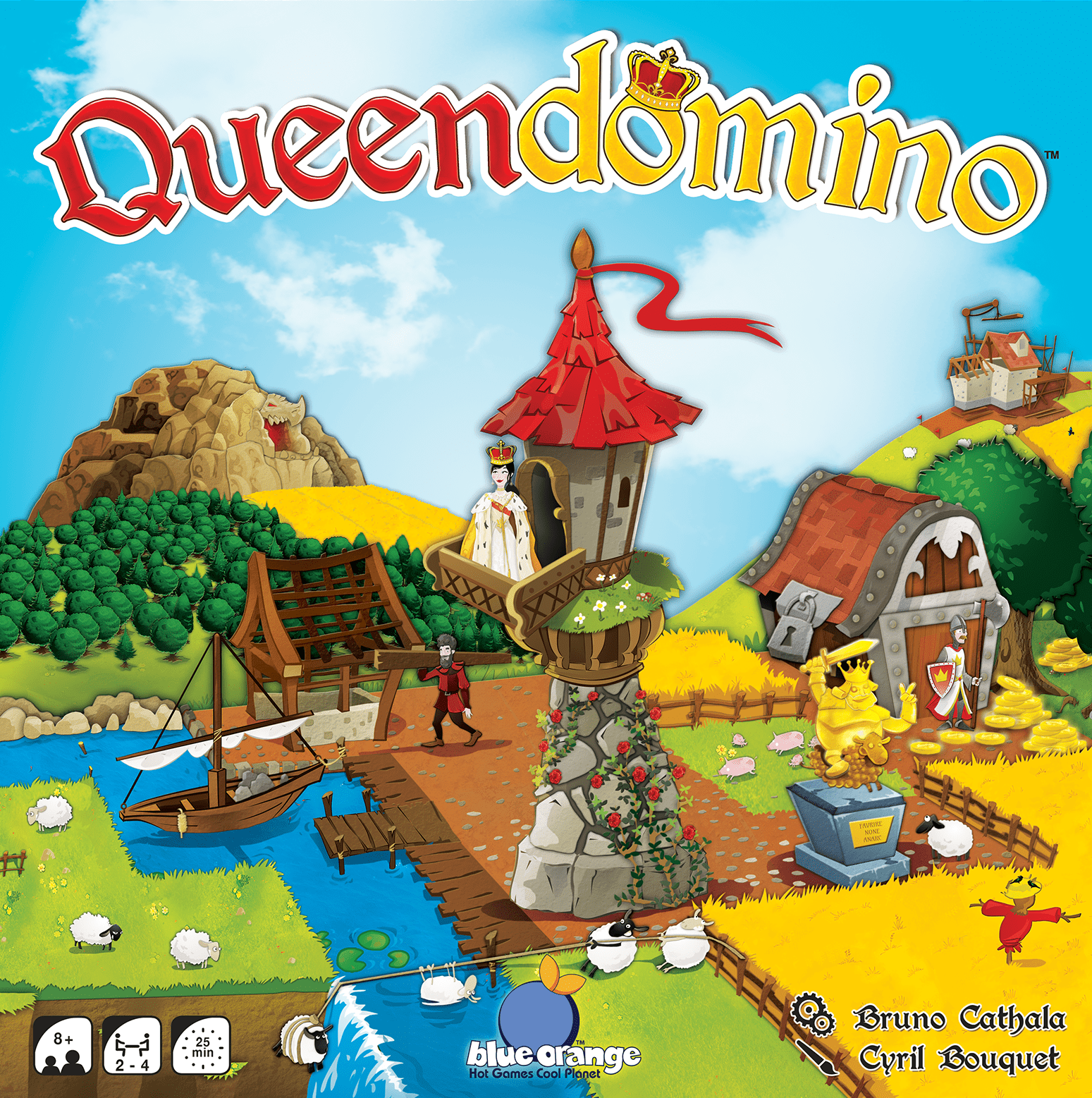
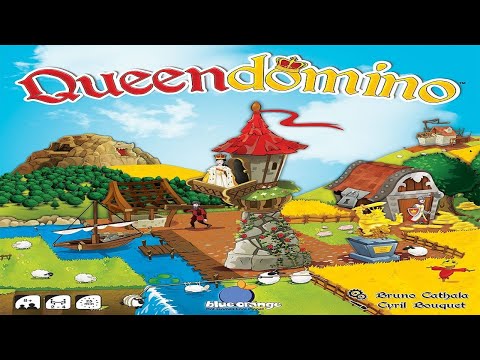
Queendomino

2-4 players 25-25 min 7.1 Board Game Geek Rating

Create the most magnificent realm by selecting terrain tiles featuring wheat fields, forests, lakes, pastures, swamps, and mountains. Knights generate coins while expanding towns unlocks new buildings and strategic possibilities. Earn the Queen's blessing but beware the dragon's threat to achieve victory in this standalone sequel to Kingdomino.

Published 2017

Queendomino

Get Ready

Setup the game with these step-by-step instructions before diving into your turn.

1
Prepare domino tiles
Shuffle all domino tiles together and place them in easy reach (box tray works well)
2
Set up building tiles
Shuffle the 32 building tiles grey side up and place the stack on the red square of the Builder's board
3
Fill the building track
Keeping grey side up, move 1 tile from the top of the stack onto each of the 6 spaces of the track
4
Position dragon and Queen
Place the dragon on the Cave space and the Queen nearby
5
Distribute starting tiles
Each player takes a single-square starting tile and puts their color castle standee on top of it
6
Assign player pawns
In a 2-player game, both players take 2 pawns; otherwise, everyone takes 1 pawn of their color
7
Collect starting resources
Each player collects 7 coins and 1 Knight figure (small black piece)
8
Create first domino column
One player takes 4 domino tiles number side up and arranges them from least to greatest in a vertical column, then flips all 4 to reveal terrain
9
Determine initial draft order
Collect all colored pawns in one player's hand and drop 1 at a time
10
Handle 3-player games
Discard 1 leftover tile each round
11
Prepare next column
After all pawns are placed, draw 4 new tiles, arrange numerically, and flip them over

On Your Turn

What you can do during your turn.

1
Follow turn order
The pawn at the top of the column (lowest number domino) goes first, followed by the next in order
2
Understand territories
A territory is an enclosed area of the same terrain type; you can have several territories of the same type scattered throughout your kingdom
3
Take your tile
Remove your pawn and the tile it sits on, then place the tile into your kingdom
4
Respect grid limits
Kingdoms cannot exceed a 5x5 grid (or 7x7 grid for 2 players)
5
Position your castle
The starting castle tile does not have to be the center of your kingdom
6
Match terrain
At least 1 of the 2 terrains on the new domino must join and match another tile in your kingdom; the other terrain can mismatch
7
Use castle as wild
The starting castle tile counts as wild for terrain matching and any domino may connect to it
8
Commit to placement
Once a tile is placed, you cannot move it; if a tile cannot be placed legally, discard it
9
Place if possible
You cannot discard a domino if it can be legally placed
10
Deploy knights
If you have available knight pieces, place 1 or 2 on the domino you just placed
11
Earn coins
Receive coins equal to the number of squares in the territory where each knight was placed
12
Knights are permanent
Knights stay put for the rest of the game; you may add another knight to a territory that already has one
13
Check requirements
You must have a red construction square present anywhere in your kingdom (not necessarily on the just-placed domino)
14
Purchase a building
Choose 1 building from the building row, pay the bank the shown cost, and add the building to one of your red construction squares (red side up)
15
Building effects - Immediate (Upper Left)
16
Queen benefits
The Queen lowers building costs by 1 coin and adds 1 extra crown to your largest territory at end game; however, you cannot use the Dragon while holding her
17
Building effects - Ongoing (Lower Left)
18
Building effects - End Game Crowns (Upper Right)
These crowns contribute to territory scoring
19
Building effects - End Game Points (Lower Right)
20
Check eligibility
The dragon must still be in his cave and you cannot have the Queen
21
Pay the bribe
Pay 1 coin to the bank, move the dragon onto a building tile in the building row, and discard that tile to the box
22
Claim next tile
Place your colored pawn on 1 of the dominoes from the next laid out row; this determines your play order next round and which domino you will place
23
Reset the dragon
Move the dragon back to the cave
24
Refill buildings
Slide building tiles right to fill gaps, then refill back up to 6 buildings
25
Prepare new dominoes
Form a new line of domino tiles arranged low to high numerically, then flip them over


Winning

How to claim victory.

1
Trigger game end
The game ends when all domino tiles have been placed into player kingdoms
2
Check grid completion
Each player should have a 5x5 grid (7x7 for 2 players) or close to it
3
Place the Queen
If you have the Queen, place her in your largest connected territory; she counts as an extra crown icon
4
Convert coins
Every 3 coins equals 1 point
5
Score territories
Multiply each territory (closed group of same terrain) by the number of crowns in that territory; do this for each territory separately, even if they share the same terrain type
6
Score buildings
Add points from all buildings you purchased using the values in the lower right corner
7
Determine the winner
The player with the most points wins
8
Break ties
Ties are broken by largest territory

watch & Learn

Let the pros teach you with these top videos.

How to Play: Queendomino

How to Play: Queendomino

Instructional

Hra v kocke - Queendomino

Hra v kocke - Queendomino

Instructional

MORE VIDEOS

FULL rules

Looking for the full details? Grab the complete rulebook as a downloadable PDF.

Play Board Games Online

Explore breakout hits and fan favourites with no downloads, setup or paywalls. Just click and play.

Play Now

more GAMES LIKE THIS