How to Play

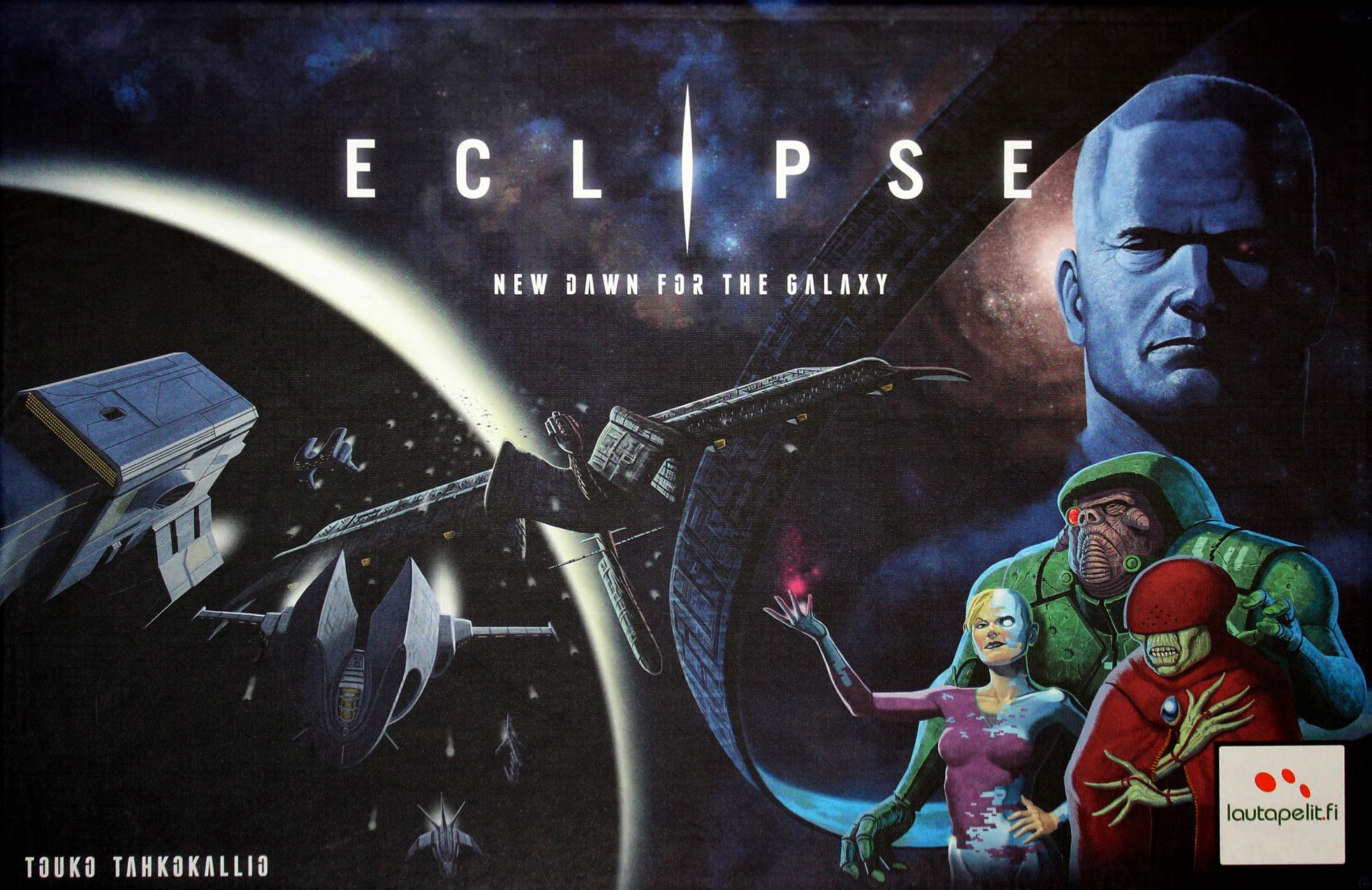
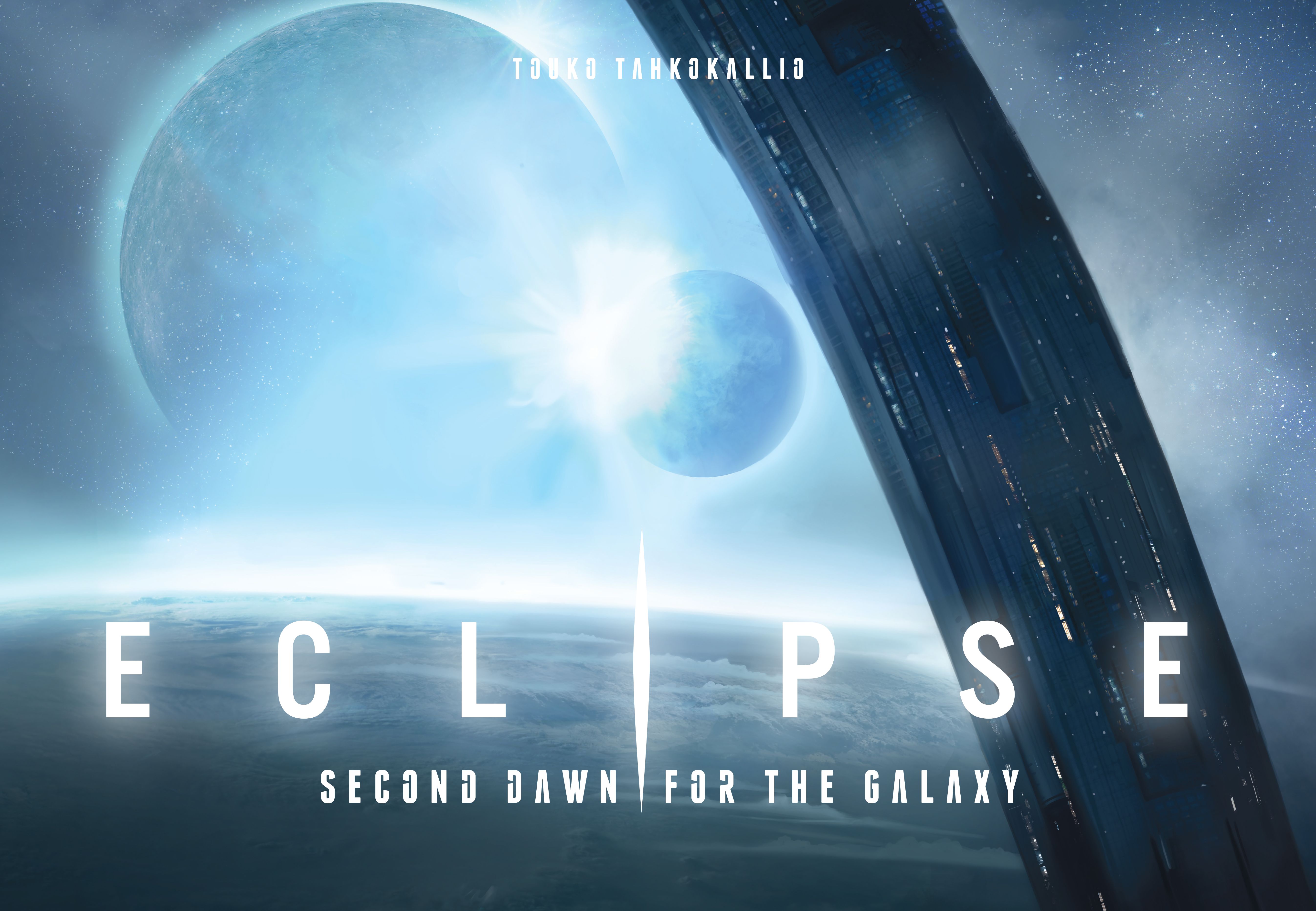
Eclipse: New Dawn for the Galaxy

2-6 players 60-180 min 7.8 Board Game Geek Rating

Players command interstellar civilizations in a post-war galaxy where the fragile peace is crumbling. Through exploration, technology research, and spaceship construction, you'll compete against rival species for galactic dominance. Victory comes through multiple strategic paths, requiring careful planning based on your faction's unique abilities while monitoring opponents' actions and territorial expansion.

Published 2011

Eclipse: New Dawn for the Galaxy

Get Ready

Setup the game with these step-by-step instructions before diving into your turn.

1
Identify game version
Check box cover - blue Hydran alien indicates first printing, red Eridani indicates second or later printing
2
Prepare Ship Part Tiles
Sort 154 tiles by type (Ion Cannon 6, Plasma Cannon 18, Antimatter Cannon 10, Plasma Missile 14, Hull 6, Improved Hull 18, Nuclear Drive 4, Fusion Drive 8, Tachyon Drive 8, Electron Computer 6, Positron Computer 8, Gluon Computer 8, Nuclear Source 6, Fusion Source 12, Tachyon Source 8, Gauss Shield 7, Phase Shield 7)
3
Prepare Technology Tiles
Sort 96 tiles by cost (Cost 2/2, 4/3, 6/4: 5 each; Cost 8/5, 10/6: 4 each; Cost 12/6, 14/7, 16/8: 3 each)
4
Prepare Reputation Tiles
Shuffle 32 tiles (12x1VP, 9x2VP, 7x3VP, 4x4VP plus one blank tile)
5
Place Center hex
Position the Center hex in the middle of the play area
6
Place Starting Sector hexes
Each player places their Starting Sector hex two hexes away from the Center hex, rotating according to the Starting Layouts diagram
7
Orient starting hexes correctly
Follow diagram on page 5 for proper hex orientation (note: yellow and green hexes in page 15 illustration should be rotated one step counter-clockwise)
8
Set up Orbital/Monolith tiles
Place 22 tiles available for use; these are unlimited components
9
Hydran Progress setup
Place a Population Cube on the Advanced Science square during setup
10
Note component limits
Orbital/Monolith tiles are unlimited; other components have standard limits

On Your Turn

What you can do during your turn.

1
Choose an action
Select from Explore, Influence, Research, Upgrade, Build, or Move actions
2
Explore action
Draw hex tiles and choose to place or discard; tile is shown face up to all players
3
Explore with Descendants of Draco
May draw two hexes and choose which to place; decide after seeing first hex
4
Explore with Planta
May explore twice in one action; can place Influence Disc on first hex then explore adjacent to it
5
Influence action
Move Influence Discs to control hexes; may place disc in hex adjacent to controlled hex or hex with your Ship
6
Influence action restriction
One Influence action may not be used in the same hex twice
7
Moving disc to same hex
Costs two moves - must move disc to track or another hex first, then back
8
Colony Ship activation
May select Influence action just to flip Colony Ships face up without moving discs
9
Colony Ship usage
May be used when passing and when continuing to pass
10
Research action
Acquire Technology Tiles; discounts do not apply when using Ancient Technology Discovery Tile benefit
11
Upgrade action
Replace Ship Parts on blueprints; may return as many Ship Parts as you want
12
Upgrade as Reaction
Same rules apply - may return as many Ship Parts as desired
13
Move action
Move Ships through connected hexes via Wormholes
14
Move through diplomatic allies
If you have Diplomatic relations, you may move through their empty hexes (hexes without Ships)
15
Attack declaration
Having Ships in another player's hex at end of your action constitutes an attack
16
Wormhole Generator use
Cannot be used to form Diplomatic relations; requires full printed Wormhole
17
Pinning mechanics
Ships are pinned when enemy Ships equal or exceed your Ships in hex; compare your Ships against sum of all opposing Ships and Ancients
18
Population Cube placement
Cannot take cubes from one track to place on another type of planet square
19
Population Track overflow
If track is full, cubes must go to any other track(s); full track means zero production
20
Orbital and Monolith placement
May place both one Orbital and one Monolith in the same hex
21
Plasma Missile cost
Ship Parts cost 1 Energy when playing without Rise of the Ancients Expansion
22
Descendants of Draco movement
May move ships freely to, through, and build in hexes containing Ancient ships
23
Pass and receive money
First player to pass receives 2 money
24
Claim Discoveries without Influence Disc
Allowed when exploring and placing a new hex, or when destroying all Ancients/GCDS at end of Combat Phase


Winning

How to claim victory.

1
Combat Phase resolution
Battles resolve with Ships rolling dice based on weapons; stalemate occurs only when no Ship has a Cannon
2
Retreating Ships
Stay in battle hex if battle ends before their next turn; Ships considered retreated as soon as retreat is declared
3
Retreat and Reputation
If all retreating ships are destroyed, no Reputation Tile is earned for that battle
4
Retreating with Wormhole Generator
May use Wormhole Generator when retreating; it is always in effect
5
Ancient damage assignment
If Ancients cannot destroy any Ship, assign damage to inflict maximum damage, targeting largest Ship first
6
Influencing hexes after combat
At end of Combat Phase, remove previous controller's disc if you have Ship in hex without population; may place your own disc
7
Claiming Discovery from Descendants hex
Must remove disc via Influence action then place again to claim Discovery Tile when Ancients are destroyed
8
GCDS status
The GCDS is not an Ancient; Descendants of Draco cannot place Influence Disc in central hex while GCDS remains
9
Diplomatic relations timing
May be established immediately after Combat Phase but before Upkeep Phase
10
Upkeep Phase disc removal
May only remove Influence Discs when Money (production plus Storage) is insufficient for Upkeep costs
11
Player elimination
Occurs when all Discs and Ships are removed from board; treated same as bankruptcy
12
Eliminated player restrictions
Cannot receive Starting Player marker; does not affect Technology Tiles drawn in Cleanup Phase
13
Reputation Tile scoring
Collect tiles from battles; distribution is 12x1VP, 9x2VP, 7x3VP, 4x4VP
14
Final scoring
Count Victory Points from controlled hexes, Technologies, Reputation Tiles, Discoveries, and other sources

watch & Learn

Let the pros teach you with these top videos.

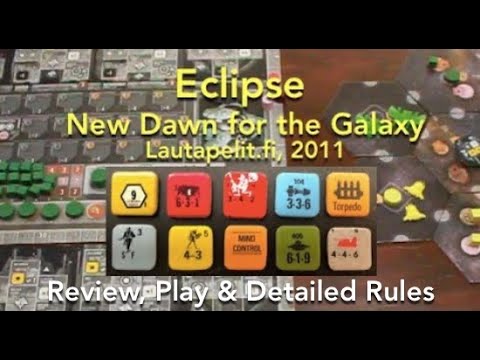
Eclipse: New Dawn for the Galaxy (Lautapelit.fi) Review & How to Play

Eclipse: New Dawn for the Galaxy (Lautapelit.fi) Review & How to Play

Instructional

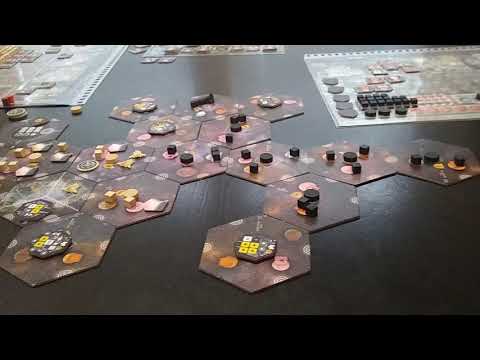
(792) Eclipse - unboxing (PL)

(792) Eclipse - unboxing (PL)

Unboxing

MORE VIDEOS

FULL rules

Looking for the full details? Grab the complete rulebook as a downloadable PDF.

Play Board Games Online

Explore breakout hits and fan favourites with no downloads, setup or paywalls. Just click and play.

Play Now

more GAMES LIKE THIS